In recent years, artificial intelligence (AI) has made significant strides in transforming various industries, and document management is no exception. PDFs, which have long been a staple in business, education, and legal sectors, are evolving with the help of AI technologies.
AI is reshaping the way PDFs are created, edited, managed, and analyzed, making the process faster, smarter, and more efficient. Let’s take a look at how AI is influencing the future of PDFs and document management.
The Role of AI in PDF Creation and Editing
PDFs are widely used because they preserve the format across different devices and platforms. However, one of the drawbacks of PDFs has always been their difficulty in editing. AI is changing that by improving the creation and editing process, making it more intuitive and less time-consuming.
AI-Driven PDF Creation
AI is enabling automated PDF generation by extracting data from various sources such as web pages, databases, or documents. Using natural language processing (NLP) and machine learning (ML) techniques, AI tools can now analyze large amounts of data and automatically generate PDFs that are well-organized and formatted properly.
- Automated Data Extraction: AI can read through unstructured data and create structured documents like invoices, contracts, and reports. For example, an AI system can extract key data points such as dates, amounts, and names from scanned images or PDF documents, transforming them into editable text files.
- Smart Form Filling: AI tools can automatically fill in forms within PDFs by analyzing contextual data, reducing the need for manual input. This is particularly useful for industries like banking, insurance, and healthcare, where forms are frequently used.
AI in PDF Editing
With the introduction of AI-powered PDF editors, users can now make changes to documents more easily. AI tools can help recognize and edit text, images, and even tables with greater accuracy and ease than traditional methods.
- OCR (Optical Character Recognition): AI-powered OCR tools can recognize text in scanned documents and images, converting them into editable formats. This is particularly useful for businesses that deal with a lot of paper-based data, such as legal firms and medical practices.
- Automated Redaction: AI can be used to identify sensitive information (e.g., personal data, confidential business details) and automatically redact it from documents, ensuring compliance with data protection regulations like GDPR.
AI in Document Management and Organization
Managing a large number of PDF files can be time-consuming and disorganized. AI is changing how documents are stored, categorized, and retrieved, allowing for smarter document management systems.
Document Classification and Tagging
AI tools can automatically classify PDFs based on their content, making it easier to organize and locate files. Using machine learning algorithms, AI systems can analyze the text within PDFs and automatically assign tags, categories, or keywords to documents.
- Automatic Metadata Generation: AI can generate metadata based on the document’s content, which makes it easier to search for specific documents later. For example, AI can analyze the text of a PDF and assign metadata like author name, document type, or creation date.
- Context-Aware Search: AI enhances search capabilities by understanding the context and relevance of a document, providing more accurate search results. Instead of simply searching for keywords, AI can look at the overall meaning of the document and return results that are most relevant to the user’s needs.
AI-Powered Document Collaboration
In collaborative environments, sharing and editing PDFs among multiple stakeholders can be cumbersome. AI is streamlining collaboration by allowing for real-time feedback and automatic versioning.
- Intelligent Document Review: AI tools can track changes made by various users, ensuring that feedback is efficiently collected and implemented. These tools can also help summarize comments or suggestions made by collaborators, saving time in the review process.
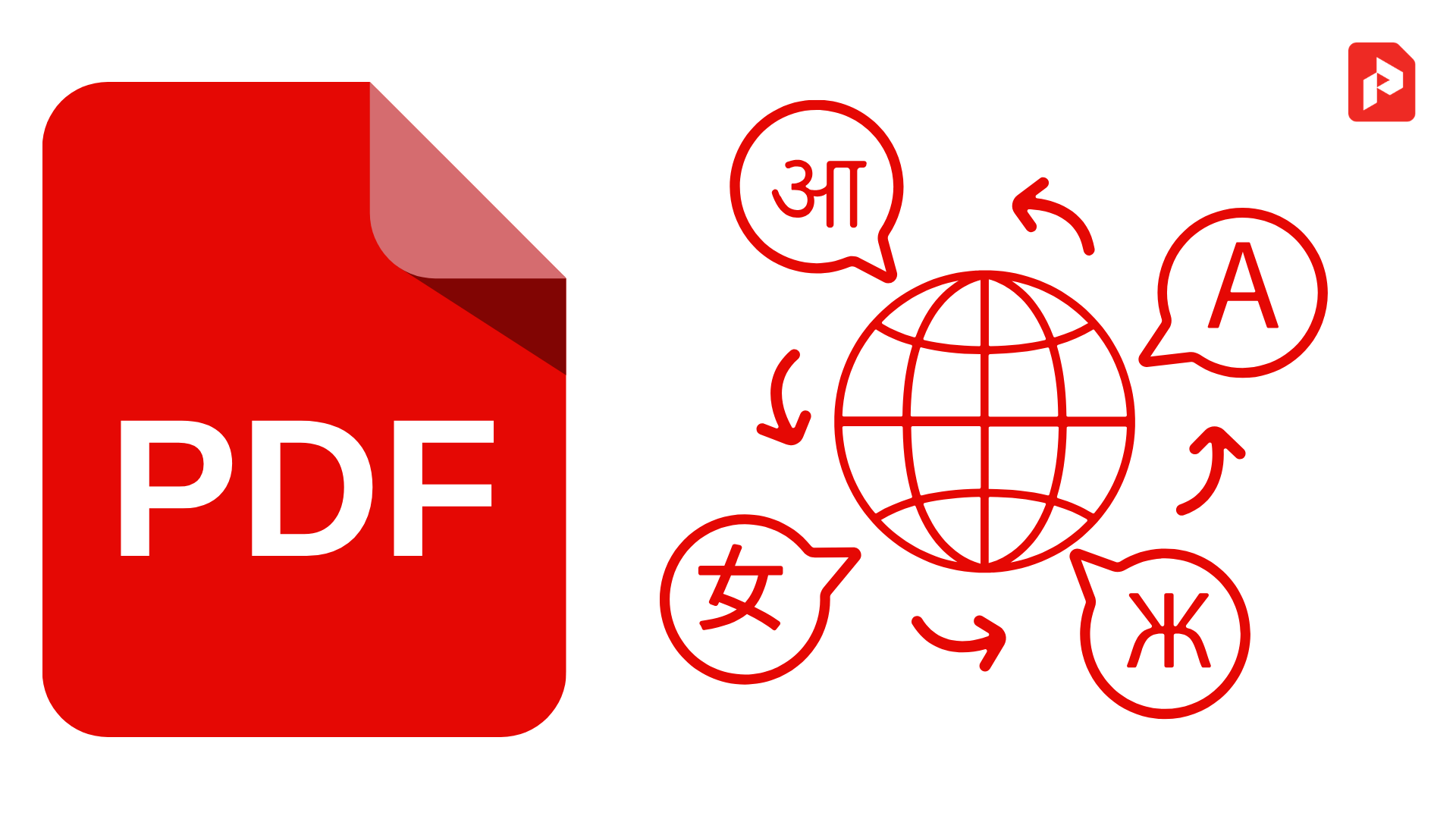
- AI-Based Document Translation: With AI-driven translation tools, businesses can instantly translate PDF documents into different languages, making it easier to communicate and share documents with international teams.
Enhancing PDF Security with AI
Security is a crucial aspect of document management, especially when handling sensitive or confidential data. AI is playing a significant role in improving the security of PDFs and ensuring that they are protected from unauthorized access.
AI for Document Encryption and Authentication
AI can enhance document security by automatically encrypting sensitive data within PDFs, ensuring that only authorized users can access the content.
- Behavioral Authentication: AI-based authentication methods can analyze user behavior, such as how a document is being accessed or edited, and trigger alerts if suspicious activity is detected. For instance, if a user tries to access a restricted PDF from an unfamiliar location, AI can flag this as potentially risky.
- Smart Access Control: AI can help manage who has access to specific documents by analyzing the context and granting permissions based on the user’s role, location, or behavior. This makes it easier to enforce strict access controls while still allowing legitimate users to collaborate on documents.
The Future of AI in PDF Management
Looking ahead, the role of AI in document management is only set to grow. Future AI-driven PDF tools may include even more advanced features, such as:
- Advanced Content Recognition: AI could analyze not just text but also images, tables, and even handwriting in PDFs, allowing for more comprehensive document conversion and editing capabilities.
- AI-Powered Workflow Automation: As AI continues to evolve, it will be able to integrate with existing business processes to automate repetitive tasks, such as document approval workflows, data entry, and archiving.
- Predictive Document Management: In the future, AI could predict which documents are likely to be needed based on past user behavior, helping to streamline access and improve organizational efficiency.
AI is revolutionizing the way PDFs are created, edited, and managed, making document workflows more efficient, secure, and user-friendly. By automating repetitive tasks, improving content recognition, and enhancing collaboration, AI is not only improving the PDF experience but also transforming the entire document management landscape. As AI technology continues to advance, we can expect even more intelligent and seamless PDF management solutions in the near future.
FAQs
How is AI used in PDF creation?
AI can automate PDF creation by extracting data from various sources and generating structured, well-formatted documents without manual intervention.
Can AI help with editing scanned PDFs?
Yes, AI-powered OCR tools can recognize text in scanned PDFs, allowing for easy editing and conversion into editable formats like Word or Excel.
What is the role of AI in PDF security?
AI enhances PDF security by automating document encryption, detecting suspicious behavior, and controlling access based on user roles and actions.
Will AI replace human document management?
While AI is streamlining many aspects of document management, human oversight is still necessary for tasks that require judgment, complex decision-making, or creativity.