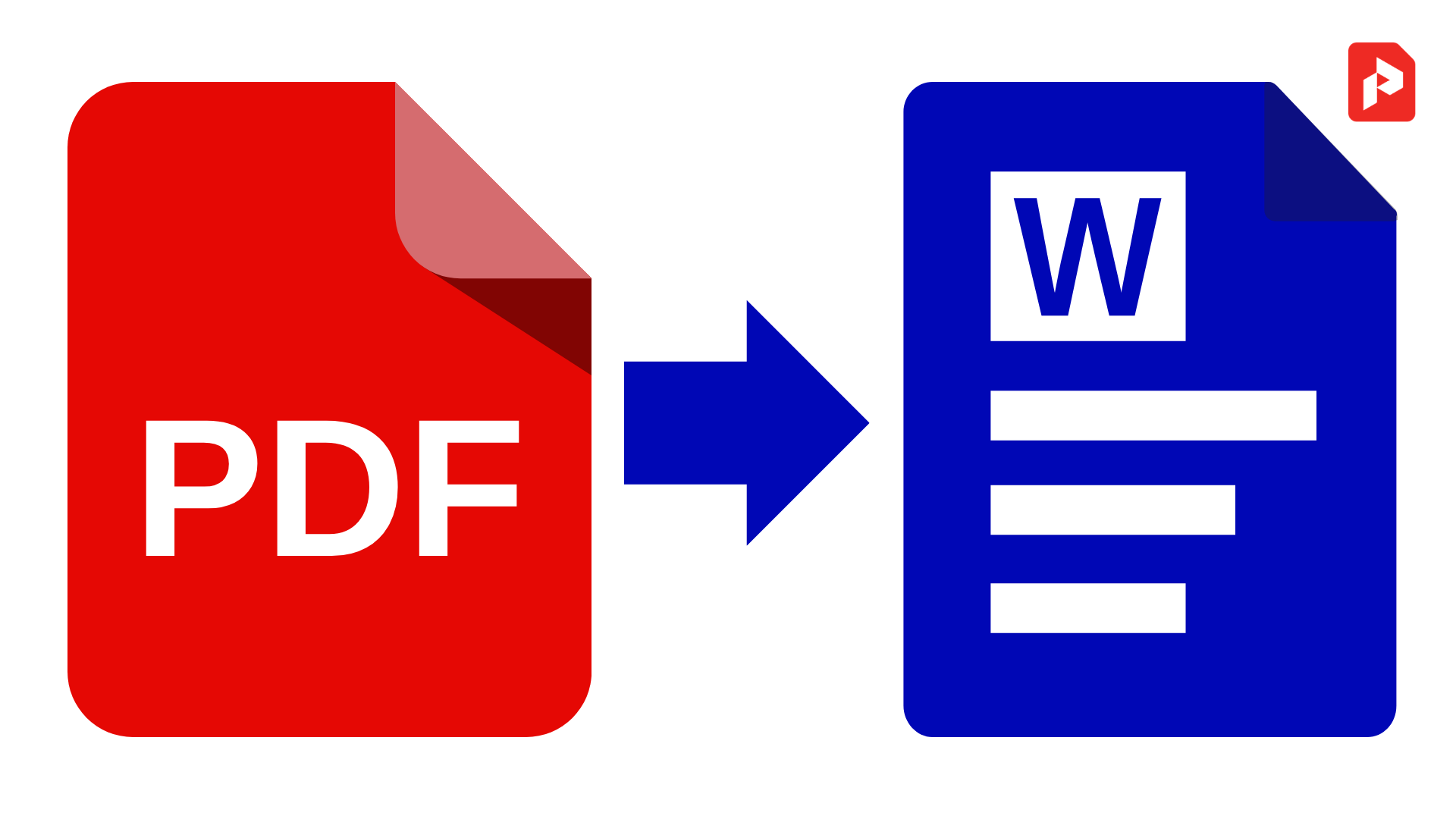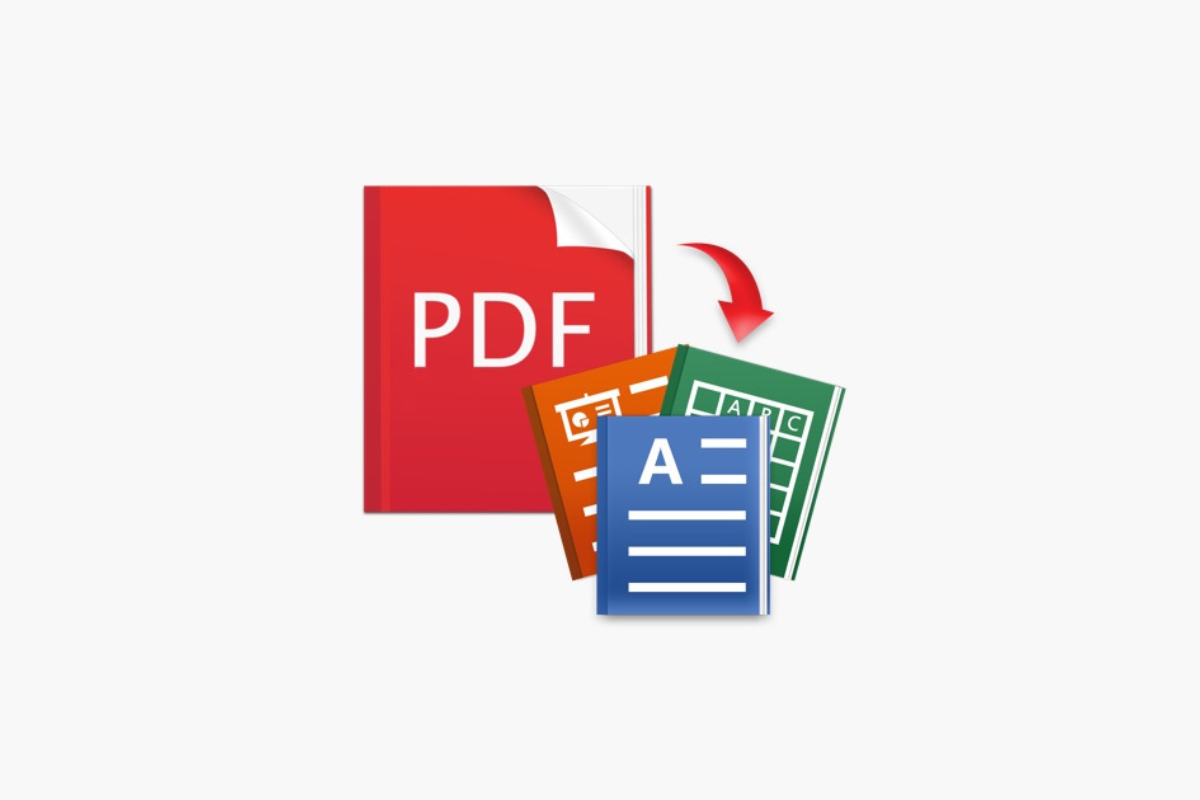
Converting PDFs into editable formats like Word, Excel, or PowerPoint can dramatically improve your productivity and make it easier to reuse content. Whether you’re working with reports, scanned documents, tables, or presentations, the right tool can save time and maintain formatting integrity. Below is a professionally curated list of the top 10 PDF conversion tools that help you transform PDFs into editable files with ease.
Comparison Table: Best PDF Converters
| Tool | Best For | Key Features |
|---|---|---|
| Adobe Acrobat Online | All‑purpose PDF to Word/Excel/PPT | Reliable conversion, preserves layout & formatting |
| Smallpdf | Easy online conversion | Converts to Word, Excel, PPT, images – fast and simple |
| iLovePDF | Free multi‑format converter | PDF to Word, Excel, PPT, JPG; integrates cloud storage |
| Able2Extract Pro | Professional PDF conversion | Advanced batch convert and export to Excel/Word/PPT |
| PDFgear | Free PDF to Word & OCR | Free tools online + offline with OCR support |
| PDF2Go | Browser‑based PDF to Word | Keeps layout with optional OCR support |
| LibreOffice | Offline converter | Free open‑source office suite that can import and edit PDFs |
| PDF24 Tools | Simple online PDF to Excel | Converts PDFs to Excel and other formats online |
| Xodo PDF Converter | PDF to Word + OCR | Converts scanned and regular PDFs to editable Word docs |
| FreePDFConvert | Universal online converter | Converts many file types including PDF to Office formats |
1. Adobe Acrobat Online
Adobe Acrobat is one of the most trusted names in PDF technology. Its online PDF converter lets you easily transform PDF files into editable Word, Excel, or PowerPoint formats while preserving original layout and formatting, which is invaluable for professional documents.
- Reliable formatting retention
- Works in browser without installing software
- Supports multiple output formats
2. Smallpdf
Smallpdf is an intuitive online tool that converts PDFs into Word, Excel, and image formats quickly. It’s perfect for users looking for quick, browser‑based conversion without installing software.
- Supports bulk conversions
- Clean and simple interface
- No installation required
3. iLovePDF
iLovePDF offers a full suite of PDF tools, including conversion to Word, Excel, and PowerPoint. It’s great for users who want all‑in‑one PDF workflow tools in an easy‑to‑navigate platform.
- Converts multiple PDF formats
- Cloud storage integration
- Batch conversion capability
4. Able2Extract Pro
Able2Extract Pro is more advanced and ideal for power users who need professional‑grade PDF conversions. It specializes in converting PDFs to Excel with accurate table extraction and also supports Word and PowerPoint outputs.
- Highly accurate conversions
- Batch processing
- Best for data‑heavy documents
5. PDFgear
PDFgear is a free option that offers both online and offline PDF to Word conversions, including OCR support for scanned PDFs. This makes it suitable for everyday users and those dealing with image‑based PDFs.
- No email/signup required
- Strong OCR support
- Works across devices
6. PDF2Go
PDF2Go is a browser‑based converter that allows you to upload PDFs and convert them to Word with good layout accuracy. It includes OCR for scanned documents.
- Free browser utility
- OCR support available
- Easy to use
7. LibreOffice
LibreOffice isn’t a dedicated PDF converter, but its free office suite can import PDF content for editing and export it to other document formats. It’s a solid offline choice for users who want a free solution without size limits.
- 100% free and open‑source
- Runs offline
- Imports for editing PDFs
8. PDF24 Tools
PDF24 Tools offers a straightforward online PDF to Excel converter, which is great for users who need simple table extraction and data exports without logging in.
- Simple UI
- No signup required
- Fast results
9. Xodo PDF Converter
Xodo provides online conversion from PDF to Word and also includes OCR for scanned PDFs, making it versatile for both text‑based and image‑based files.
- Free online converter
- OCR for scanned docs
- Works in browser
10. FreePDFConvert
FreePDFConvert is a web‑based tool that lets you convert PDFs to DOC, Excel, PowerPoint, and more. It also supports converting other formats into PDFs, offering a flexible all‑in‑one solution.
- Multi‑format support
- Free online use with limits
- Easy drag‑and‑drop interface
These tools offer options for beginners and professionals alike — from free online converters to advanced desktop software — making PDF conversion easy, accurate, and efficient.
FAQs:
Which tool is best for converting scanned PDFs to editable text?
Tools with OCR support like PDFgear, Xodo, and Adobe Acrobat provide accurate conversion from scanned PDFs to editable formats.
Can I convert a PDF to Excel for free?
Yes, online converters like Smallpdf, iLovePDF, and PDF24 Tools allow free PDF to Excel conversions in your browser.
Is online conversion safe?
Using trusted platforms like Adobe Acrobat or Smallpdf is generally safe. Avoid unverified converters that may carry malware.
Do these tools preserve formatting?
Most of the top tools listed aim to retain layout, styles, tables, and images as accurately as possible during conversion.